Am I getting started?
Well, I’ve enrolled in the JavaScript course by Mosh Hamedani.
I really like the guy! I’ve seen some of his videos on YouTube and it looks like he’s my kind of teacher: sparkling, handy, straight-to-the-point. So I decided to give him some money.
And here I am, taking notes. Let’s see how it turns out.
Let’s plunge.
The whole JavaScript thing started with SpiderMonkey, the JavaScript engine in Firefox, and v8 the engine in Chrome. Then in 2009 Ryan Dahl embedded the V8 engine in a C++ program and created Node.
Today, we can either launch JavaScript code outside of a browser in node, or run it inside our browsers.
JavaScript is the programming language that conforms to the specification ECMAScript. ECMA has released the first specification V1 in 1997, and throughout the years we have arrived at today’s specification.
In a browser? Really?
As a browser has a JS engine, JS code can be written inside the browser itself. A console is just a few clicks away in any browser:
- in Chrome, or Brave, or Chromium → Hamburger → More Tools →Developer Tools (or CTRL + SHIFT + I) → Console
- in Firefox → Hamburger → More Tools → Web Developer Tools (or CTRL + SHIFT + I) → Console
From within the Console tab, one can type and execute JS code easy-peasy.
Typing
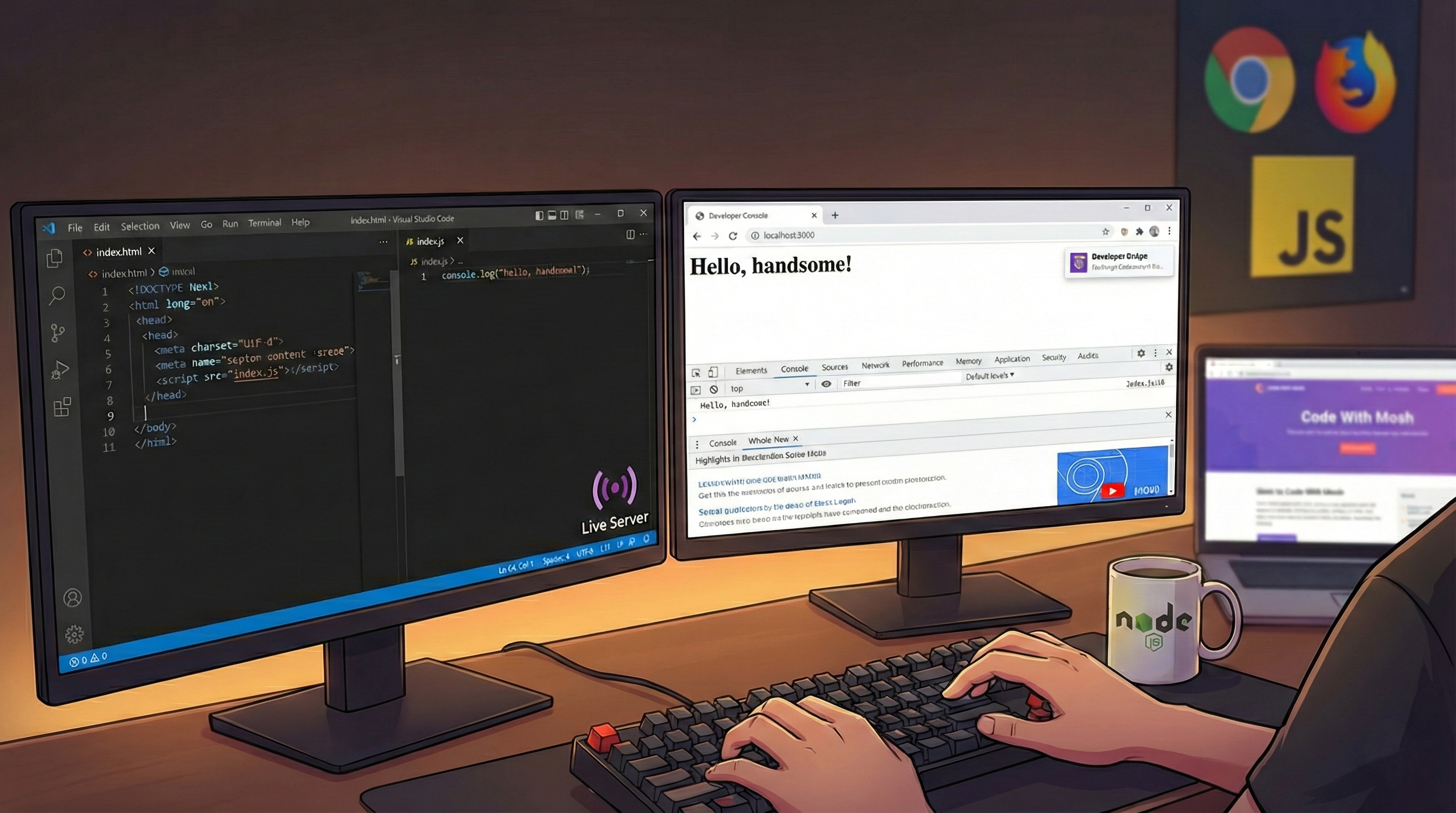
console.log("Hello, handsome!");in Chrome has gifted me with a rightfully earned Developer Badge. I’m touched. Firefox just reminded me of how handsome I am no baubles attached.
Visual Studio Code
To really have some fun with JS we’ll need node and VS Code.
In a new index.html file in VS Code, typing an exclamation mark ! and pressing Enter will fill the page with a <html> template. I didn’t know Code could do that and I got emotional.
Also install the extension Live Server, so you can right-click on the file name index.html in the Explorer panel and Open in Live Server.
The page will automatically open in a browser and, every time we make changes to the HTML file, it will update automatically after a save CTRL + SHIT + S in Code.
JS for real men
To write JS code, we’ll have to enclose it in <script> … </script> tags. JS code is usually added at the end of the body section, after all the fluff.
<script>
  // This is a comment!
  console.log("Hej!");
  // commands must end with a semicolon ;
</script>
To view the greeting, we’ll have to open the Console tab in the browser.
In a real-world application JS code will not be written inside the page. Separation is a paradigm of programming, therefore the content (html) is better separated from the behavior (JS).
So, we’ll create an index.js file with all the programming stuff, and this file will be referenced inside the html.
// This is the index.js file
console.log("Don't hold a grudge!");
This goes in the index.html:
<body>
  <h1>A Title</h1>
  <div>Some content.</div>
  <script src="index.js"></script>
</body>
By the way, I don’t hold a grudge is a song by Alice Merton, not as good as No roots, but pleasing enough.
Do I really need the HTML stuff?
While we listen to Alice Merton, we can open a terminal in Code by selecting Terminal → New Terminal or with the strange shortcut (on my Italian keyboard) CTRL + SHIFT + ò.
In the terminal just type
$ node index.jsto execute the code in the index.js file without all the HTML fluffing around.