Let’s round the corners up a bit.
It’s not that I’ve abandoned Windows and gone full Linux.
I’m also no Linux newbie. The first Linux distribution I ever ran was Red Hat Linux — long before it became RHEL — on a glorious Pentium PC back in 1996. Since then, I’ve entertained myself with Mandrake Linux, SUSE Linux, Gentoo, Ubuntu — with the constant presence of Fedora, which I’ve used since Core 1.
I recently built a new PC with a smaller drive for the OS and a gigantic one for amenities. However, Windows 11 — which I use for work — doesn’t like sharing space with exotic operating systems. So, at first, I only installed Microsoft’s latest spyware bloatware operating system.
The motherboard has three NVMe slots though, and I managed to track down a 2 TB drive that escaped this crazy price hikes of late 2025.
The drive is a Crucial P3 Plus SSD 2TB PCIe Gen4 CT2000P3PSSD8.
It has a quite low endurance of 440 TBW — unlike the regular 1200 TBW of the Lexar NQ790 2 TB hosting Windows. As Linux won’t be my primary OS, I took the bait, and now all of the three NVMe slots are taken.
The installation
The process, from preparing the USB installation media via the Fedora Media Writer, to the actual installation on the drive was simple and straightforward. Not that I was expecting it to be twisted and stressful: the Anaconda installer is known to be well crafted.
The configuration
I was horrified by the post-install configuration instead, when the tool just became fully unresponsive while selecting the time zone.
Apparently, this is a long-standing bug, already there in Fedora 42.
As I’ve been mostly upgrading from the command line via dnf in the past without an issue, I wasn’t expecting a bug requiring to force-reset the PC with the power button.
To circumvent the issue, some users suggested selecting the time zone area directly on the map, without even looking at the textual search field — which was pointed to as the culprit — while others suggested tampering with the boot line and blacklisting the nouveau driver for NVIDIA cards — as this is said not to properly manage the interaction with that search box.
As I’m not particularly scared of modifying a boot command in grub, I did both.
In case someone wants to replicate, right at the boot, that’s what I did:
- I selected the first line at the top of the boot list, the one reading Fedora Linux (… long string identifying the kernel version …),
- I pressed the key e to edit the boot line,
- I deleted the rhgb quiet part, and typed
rd.driver.blacklist=nouveau modprobe.blacklist=nouveau nomodeset- I booted by pressing F10.
The UI will sucks, as you won’t have a graphic driver loaded and nomodeset forces to use one of the guaranteed-to-work default video resolutions (likely 640 x 480 or 800 x 600).
In my case, I’ve been able to get past the initial configuration step.
As the tampering is temporary, I didn’t have to revert anything back to as-it-was at the next boot.
What’s next?
Right now I’m using Fedora.
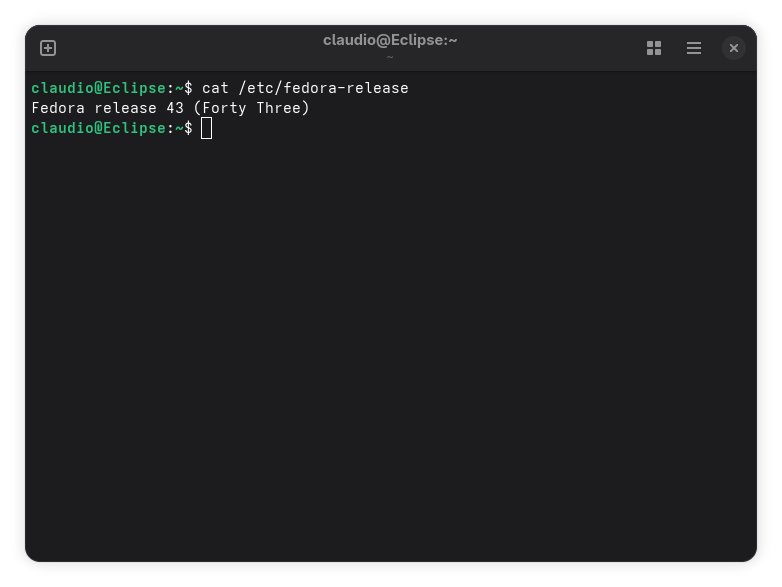
I have to say: it works like a charm!
I’ll be customizing my Fedora installation over the next days, and I’ll be tracking my tinkering here, just to remember what I’ve tinkered with.